Best inputs
Front-facing or slight 3/4, whole face visible, even light, eyes open, one person (or one pet) per frame. Natural color — avoid beauty filters that erase features. JPG or PNG.
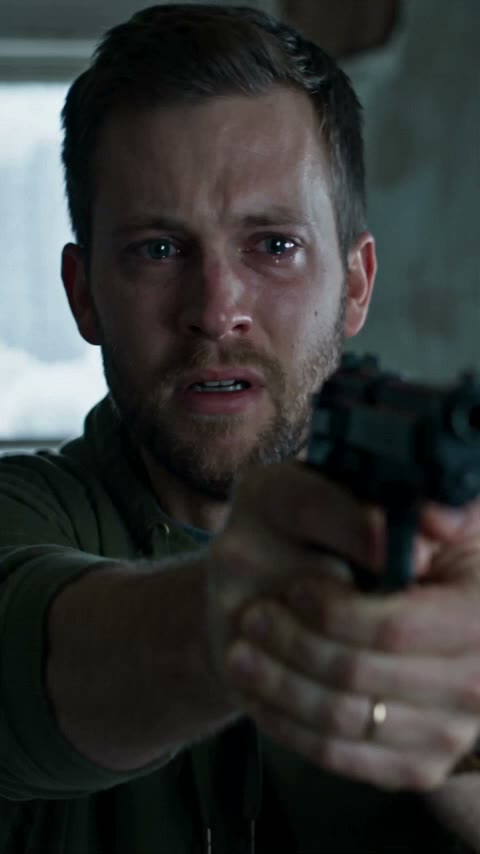
Sample · zombie love story · ~15s with sound
Likeness is strongest with simple, honest portraits. This guide covers couple and pet inputs so Photo 1 / Photo 2 roles and the leap cut stay readable.
Front-facing or slight 3/4, whole face visible, even light, eyes open, one person (or one pet) per frame. Natural color — avoid beauty filters that erase features. JPG or PNG.
Group selfies, tiny faces, heavy sunglasses, extreme side profiles, motion blur, mirrored collages, or celebrity press stills. Same-person clones in both slots look wrong — use two different people for couple effects.
For cat/dog templates: clear muzzle and eyes help. Use the dedicated pet effect pages so the locked pet zombie look (milky eyes, patchy fur — no gore) matches your upload.
Better photos improve likeness; pricing stays the same — $9.99 per 720p (500 credits). Failed renders return credits when live.
Only upload faces and pets you have the right to use. See the Privacy Policy. Privacy Policy.
More aizombie.app landings and guides — same studio, no competitor links.
Sister prompt guides on our other meme video tools
Create on aizombie.app — pay once from the button, no account required to start.
Create with better photos · $9.99